Everyone’s talking about $20-a-month AI subscriptions right now. But here’s what most people don’t realize: you don’t need to spend a single dollar to get real, impressive results from AI in 2026.
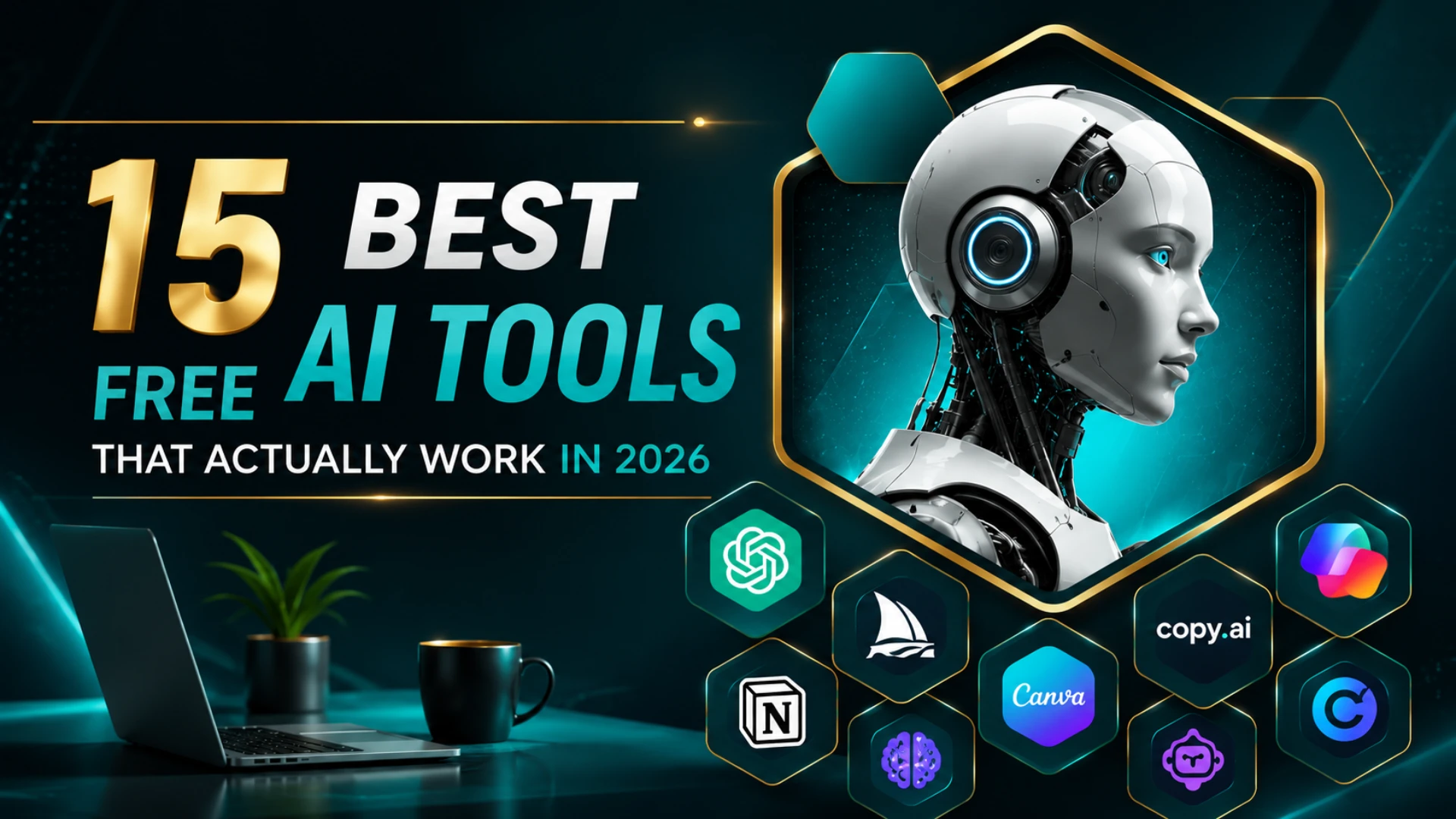
Search online, and you’ll find endless “100 free AI tools” roundups promising the world. Most of them are outdated, padded with broken links, or list tools that quietly stopped being free months ago. This isn’t one of those lists. We’ve narrowed it down to 15 free AI tools that are genuinely worth your time right now — tools that actually work, not demos in disguise.
In this guide, you’ll find free AI tools for writing, image generation, video creation, coding, presentations, and more — all available online, all free to start. Whether you’re a student, a freelancer, a small business owner, or someone exploring how to make money with AI on the side, there’s something here for you. Stick around till the end, because we’ll also show you exactly how these same tools can help you build real passive income.
Why Free AI Tools Are Actually Worth Using in 2026
A few years ago, “free AI tool” usually meant a limited, frustrating version of something better. That’s changed. In 2026, the free plans of most major AI tools are strong enough for everyday writing, design, coding, and content creation — no upgrade required unless you’re using them for heavy, daily commercial work.
That’s genuinely good news if you’re a student, a beginner freelancer, or someone who wants to work smarter without adding another monthly bill. Let’s get into the list.
Quick Comparison: 15 Best Free AI Tools at a Glance
| Tool | Best For | Free Plan |
|---|---|---|
| ChatGPT | Writing & general assistant | Yes, generous free tier |
| Google Gemini | Research & Google Workspace | Yes, free with a Google account |
| Copy.ai | Marketing & ad copywriting | Yes, limited free credits |
| Canva | Design, images & quick video | Yes, strong free plan |
| Microsoft Designer | AI image generation | Yes, free with a Microsoft account |
| Leonardo AI | High-quality AI art | Yes, daily free credits |
| CapCut | AI video editing | Yes, free with easy exports |
| Google Veo (AI Studio) | Text-to-video generation | Yes, limited free generations |
| Kling AI | Image-to-video animation | Yes, daily free credits |
| GitHub Copilot | AI coding assistant | Yes, free tier available |
| Cursor | AI-first code editor | Yes, limited free usage |
| Gamma | AI presentations | Yes, free plan available |
| Notion AI | Notes & organization | Yes, limited free AI credits |
| Grammarly | Grammar & writing polish | Yes, solid free plan |
| ClickUp | Project management + AI | Yes, generous free plan |
Keep in mind that these AI tools offer limited free credits.
Now look at each AI Tools in detail.
For Content Writing & Content Creation
If writing is what eats up most of your time, start here.
ChatGPT remains the most versatile free AI tool for writing. Use it for blog drafts, emails, social captions, or even outlining a full ebook. The free plan is more than enough for most personal and small business use.
Google Gemini is a strong alternative, especially if you already live inside Gmail, Docs, and Sheets. It’s particularly good for writing that needs quick research baked in.
Copy.ai is built specifically for marketing — think product descriptions, ad copy, and email sequences. If you’re doing content creation for a brand or store, its templates save a lot of back-and-forth.
Together, these three free AI tools cover almost every writing task a beginner blogger, student, or small business owner will ever need — including content built around specific keywords, if you’re writing with SEO in mind.
For Image Generation & Photo Editing
Need visuals but can’t afford a designer? These free AI tools generate images and edit photos in seconds.
Microsoft Designer turns a simple text description into a finished image, completely free with a Microsoft account.
Canva isn’t just a design tool anymore — it’s built-in AI features let you generate images, remove backgrounds, and resize designs automatically, all inside the same free plan millions already use.
Leonardo AI is worth bookmarking if you want more artistic control. It hands out a set of free credits every day, which is plenty for personal projects, blog graphics, or social media content.
For Video Creation & Video Generation
This is one of the fastest-moving corners of AI right now — and one of the most requested. Whether you’re after free AI tools to create videos, generate videos from text, or animate a still photo into a short clip, here’s where to start.
CapCut remains the easiest entry point. It’s a free AI video editor with auto-captions, background removal, and templates built for short-form content like Reels and TikToks.
For text-to-video, Google Veo through AI Studio currently produces some of the highest-quality free clips available — accurate physics, consistent scenes, and even native audio. However, free access can be rate-limited rather than unlimited.
If you specifically want to turn a photo into a moving video, Kling AI is the go-to choice in 2026. It offers daily free credits and handles motion — hair, fabric, camera movement — noticeably better than most competitors, though free exports may carry a small watermark.
Between these three, you can go from a blank page (or a single photo) to a finished short video without touching a camera or a traditional editing timeline.
For Coding
Developers and beginner coders both benefit here.
GitHub Copilot offers a free tier that’s genuinely useful for students and hobbyist developers — it suggests code as you type and can explain unfamiliar code, too.
Cursor is an AI-first code editor built around AI assistance from the ground up, with a usable free tier for smaller projects.
For quick debugging or “explain this error” moments, ChatGPT and Claude are both excellent free AI tools for coding help without needing to install anything.
For Presentations & PowerPoint
Building a deck used to take hours. Not anymore.
Gamma turns a rough outline into a fully designed presentation in minutes, and its free plan is enough for most personal or academic use.
Canva also shines here — its Magic Design feature builds presentation templates automatically based on your content, all within the same free plan already mentioned above.
If you specifically need help inside PowerPoint itself, Microsoft’s built-in AI design suggestions (free with a Microsoft account) are worth exploring too.
For Students & Teachers
For students asking what free AI tools actually help with schoolwork, this is your answer.
ChatGPT and Gemini are both excellent for breaking down difficult topics, checking your understanding, or getting a second explanation of something your textbook didn’t make clear.
Grammarly catches grammar, tone, and clarity issues for free — useful for essays, applications, and assignments.
Notion AI helps organize notes, summarize long readings, and even build a study schedule, all from its free plan.
Teachers can use this same set of tools for lesson planning, generating quiz questions, and creating simple classroom materials — cutting hours of prep work down to minutes.
For Project Management & Business Automation
Running a small team — or even just your own to-do list — gets easier with the right free AI tools.
ClickUp combines task management with built-in AI features on its free plan, including auto-generated task summaries and status updates.
Notion AI (mentioned above) doubles here too, helping teams organize projects and documents in one place.
For actual automation — connecting apps so tasks happen without you lifting a finger — Zapier offers a free tier that’s perfect for simple, repetitive business workflows in 2026.
For HR & Marketing Teams
HR teams are using free AI tools like ChatGPT and Gemini to draft job descriptions, interview questions, and onboarding materials in minutes instead of hours.
Marketing teams get similar value from Copy.ai and Canva, covering everything from ad copy to social graphics — and the same writing tools mentioned earlier double up well for keyword-rich blog content and on-page copy too.
Like ChatGPT (Best Alternatives)
ChatGPT isn’t the only option — and depending on what you need, an alternative might actually suit you better.
Google Gemini is the most natural alternative if you’re already inside the Google ecosystem.
Claude tends to produce longer, more nuanced responses, which makes it a favorite for detailed writing and analysis.
Perplexity works more like a research assistant than a chatbot, citing sources directly in its answers — useful when accuracy matters.
Microsoft Copilot is worth trying if you’re a Windows or Microsoft 365 user, since it’s built directly into tools you likely already use.
All four have solid free plans, so it’s worth testing a couple to see which “voice” fits how you work.
For Keyword Research & YouTube Titles.
If you’re planning content for a blog or YouTube channel, finding the right topic is only half the job. You also need useful keyword ideas and a title that makes people want to click. That’s where our:
- AI Keyword Generator — Find useful keyword ideas from any topic.
- AI YouTube Title Generator — Create catchy titles for your videos.
You can use the keyword tool to get topic and keyword ideas, then use the title generator to turn a good video topic into different YouTube title ideas. Both tools are simple to use and can save you some time when you’re planning your next piece of content.
How These AI Tools Can Help You Earn Passive Income
Here’s something most people miss: free AI tools aren’t just for saving time. They can be the starting point of real, ongoing passive income — even if you’re starting from zero.
Passive income means earning money from something you set up once, which keeps paying off afterward. AI makes this far more realistic than it used to be, because it removes the biggest barrier most beginners face: skill. You don’t need to be a professional writer, designer, or video editor. The free AI tools covered in this article can do most of the heavy lifting for you.
Here are a few realistic ways people are using AI to make money in 2026:
Content and blogging — Use free AI writing tools to publish faster, then earn through ads, affiliate links, or sponsorships.
Selling digital products — Many beginners are creating and selling AI-assisted ebooks, templates, or guides. It’s one of the easiest ways to start earning passive income with almost no upfront cost.
Freelancing, smarter — Freelancers use AI for writing, design, and video editing to take on more projects without working more hours.
Automating your workflow — Combine free AI tools with automation platforms like Zapier to build systems that keep generating income with minimal daily effort.
Even using AI to make money on your phone during spare time — a commute, a lunch break — is realistic now, thanks to how mobile-friendly most of these tools have become.
If you want a full, step-by-step approach instead of just an overview, we’ve already covered this in detail:
- How to Build Automated Passive Income With AI
- How to Make Money With ChatGPT
- How to Create and Sell AI Ebooks for Passive Income
- How to Become a Millionaire Using AI
These guides walk you through the exact process, so you’re not left guessing where to start.
My Experience With Free AI Tools
I’ve tried quite a few AI tools while working on my own content and online projects, and one thing I noticed is that most of them are not completely free. Many tools give you a free plan or a limited number of uses, but you may need to upgrade once you reach the limit. Still, I think these free options are worth trying, especially if you’re just getting started. You can test different tools, see which ones actually help you, and then decide whether paying for extra features is worth it.
How to Choose the Right AI Tool for You
With this many options, it’s easy to feel overwhelmed. Keep it simple with these four steps:
- Start with your biggest time-waster. Pick the one task eating up most of your time — writing, editing, or research — and solve that first.
- Check the free plan limits. Most free AI tools cap daily or monthly usage. Make sure the limit actually fits how much you’ll use it.
- Test before you commit to a workflow. Free plans exist for exactly this. Try two tools on the same task and see which output feels right.
- Avoid collecting tools you don’t use. Three or four reliable free AI tools — covering writing, design, and organization — are usually enough for most people.
Let results decide what stays in your toolkit, not hype.
Frequently Asked Questions
What are the best free AI tools in 2026? Some of the most reliable options right now are ChatGPT, Google Gemini, Canva, CapCut, and Gamma — together covering writing, images, video, and presentations, all on free plans.
Are free AI tools safe to use? Yes, the tools covered in this article come from established companies. As with any online tool, avoid entering sensitive personal or financial details, and take a moment to check the platform’s privacy policy.
What free AI tools are best for students? ChatGPT and Gemini for explanations and research, Grammarly for writing, and Notion AI for organizing notes and assignments — all available for free.
Can I actually make money using free AI tools? Yes. People use free AI tools to write content, build digital products, or deliver freelance work faster, turning saved time directly into extra income. It’s not instant, but it’s a realistic starting point.
What is the best free AI tool like ChatGPT? Google Gemini and Claude are the closest free alternatives, each with different strengths — Gemini fits well into Google’s apps, while Claude tends to give longer, more detailed answers.
Do free AI tools have usage limits? Yes, most free plans limit how many requests, words, images, or video minutes you get per day or month. For everyday personal use, most free limits are more than enough.
In Last
AI tools don’t always have to cost money. A lot of tools now give you a free plan or a limited number of uses, which can be enough to get started and see what actually works for you
My advice is simple: don’t try to use every tool on the list at once. Pick one or two that fit your current goal, spend some time learning them, and see if they actually make your work easier. If you reach a free limit later, you can decide whether the paid features are worth it or whether another tool can do the job.
The important thing is to start using these tools instead of just reading about them. Try something, see what works for you, and build from there.

You May Also Like