
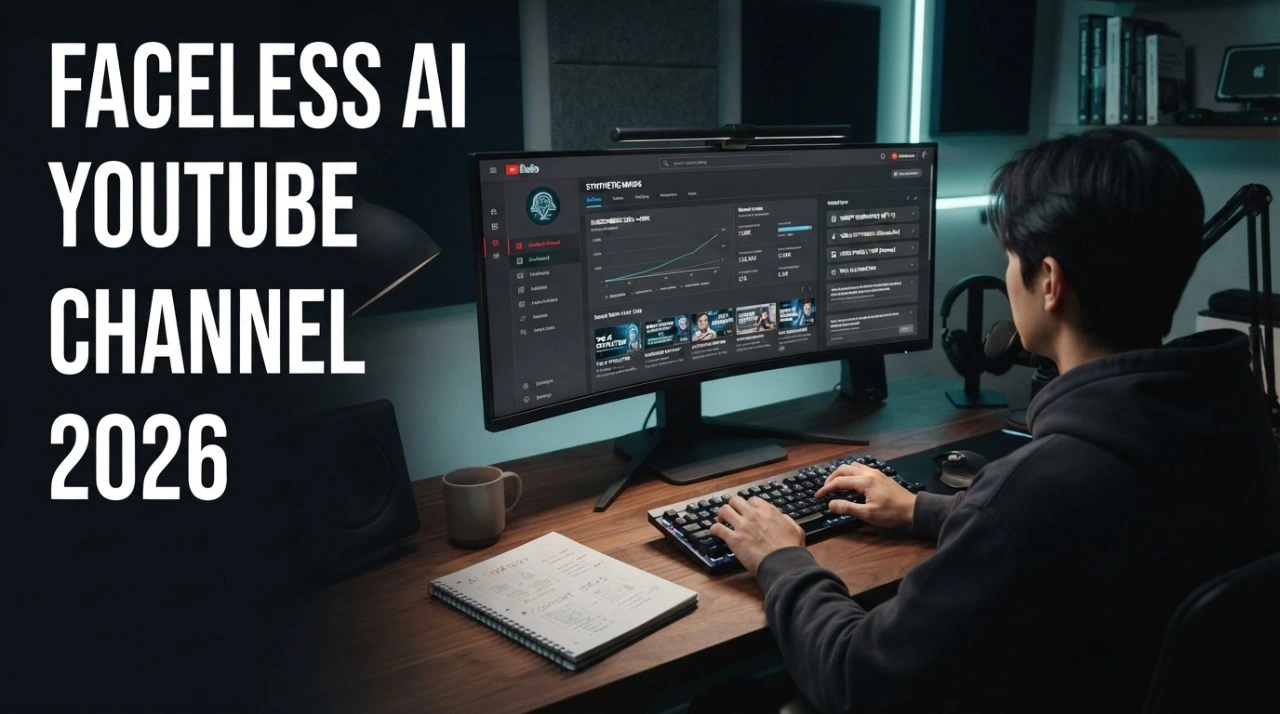
I was tired of seeing other people make thousands of dollars with AI automation while I sat on the sidelines.
I didn’t want to show my face. I didn’t have a professional camera. But I did have access to AI.
So, I decided to run an experiment. I wanted to see if I could build a faceless AI YouTube channel using only Artificial Intelligence tools.
This isn’t a story about magic results. This is about hard work, the right AI tools, and a clear plan.
If you want to build automated passive income with AI, you need to see how I did this.
Step 1 – Finding a Profitable AI Faceless YouTube Niche
The first thing I did was look for a niche that pays well. I didn’t want a hobby; I wanted a business.
I looked at niches like Finance, Tech, and Mystery. These are “High CPM” niches. This means advertisers pay more to show ads in the US and UK.
What I Did
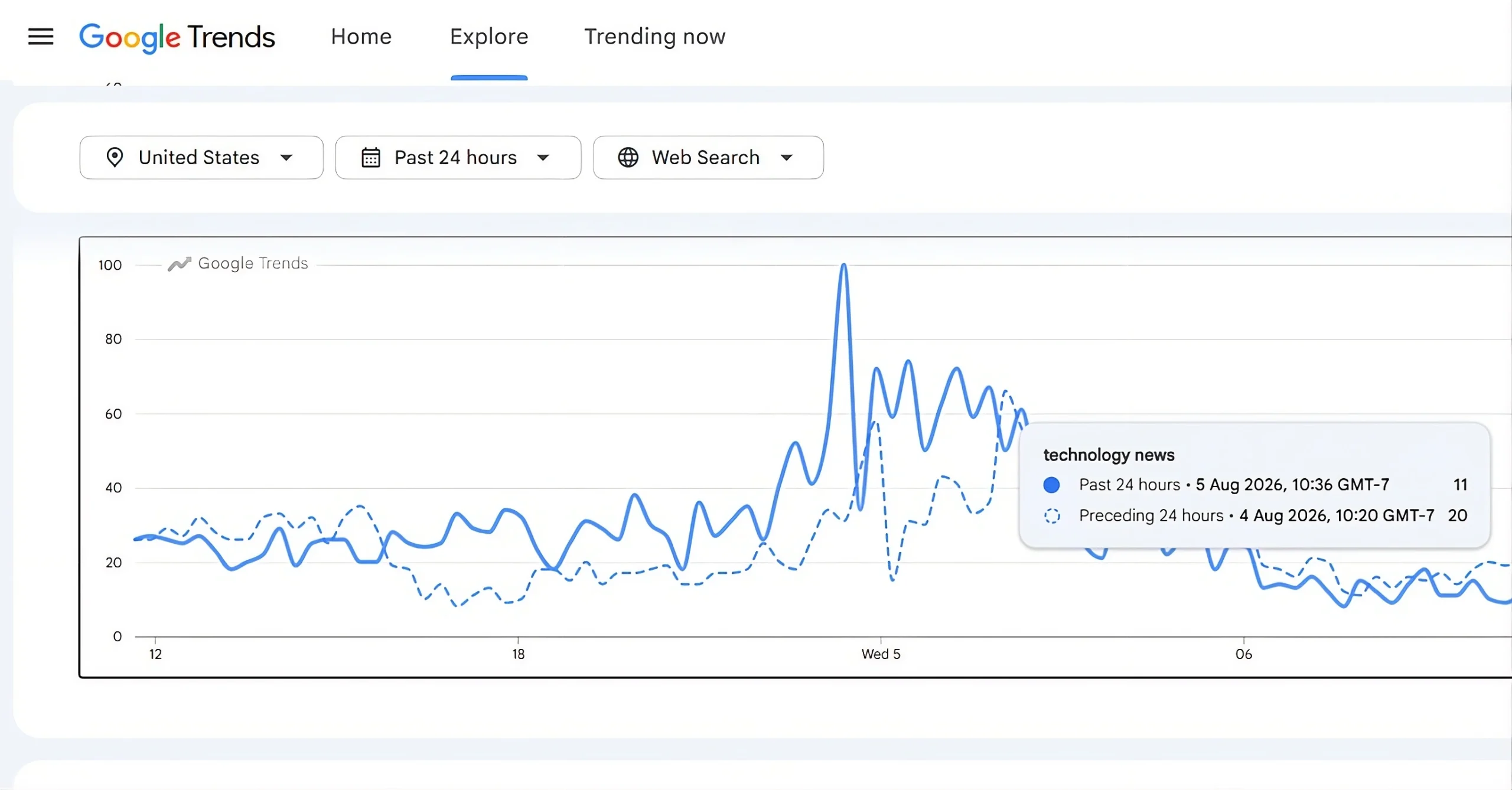
I used Google Trends to see what people were searching for. I chose “Future Technology.”
Why I Did It
I wanted my Faceless AI channel to be evergreen. A video about the future will be relevant for a long time.
I knew that having AI skills that will make you money starts with choosing the right market.
How Someone Else Can Do It
- Search for “Faceless YouTube Niches” on Google.
- Check if the niche has a high CPM (above $10).
- Use YouTube’s search function to see if the videos receive at least 50k views.
Common Mistakes
- Choosing a niche that is too broad (like “Technology”).
- Picking a niche with very low views.
Pro Tip
Always check if there are affiliate products you can sell in that niche. This doubles your income.
Pro Prompt for Niche Research
“Act as a YouTube strategist. List 5 high-CPM faceless niches for 2026. For each niche, provide three AI viral video ideas and explain why they would rank in the USA market.”
Step 2 – Researching Competitors
I didn’t want to reinvent the wheel. I wanted to see what was already working for others.
I spent two days just watching AI Faceless videos from the biggest channels in my niche. I took notes on everything.
What I Did
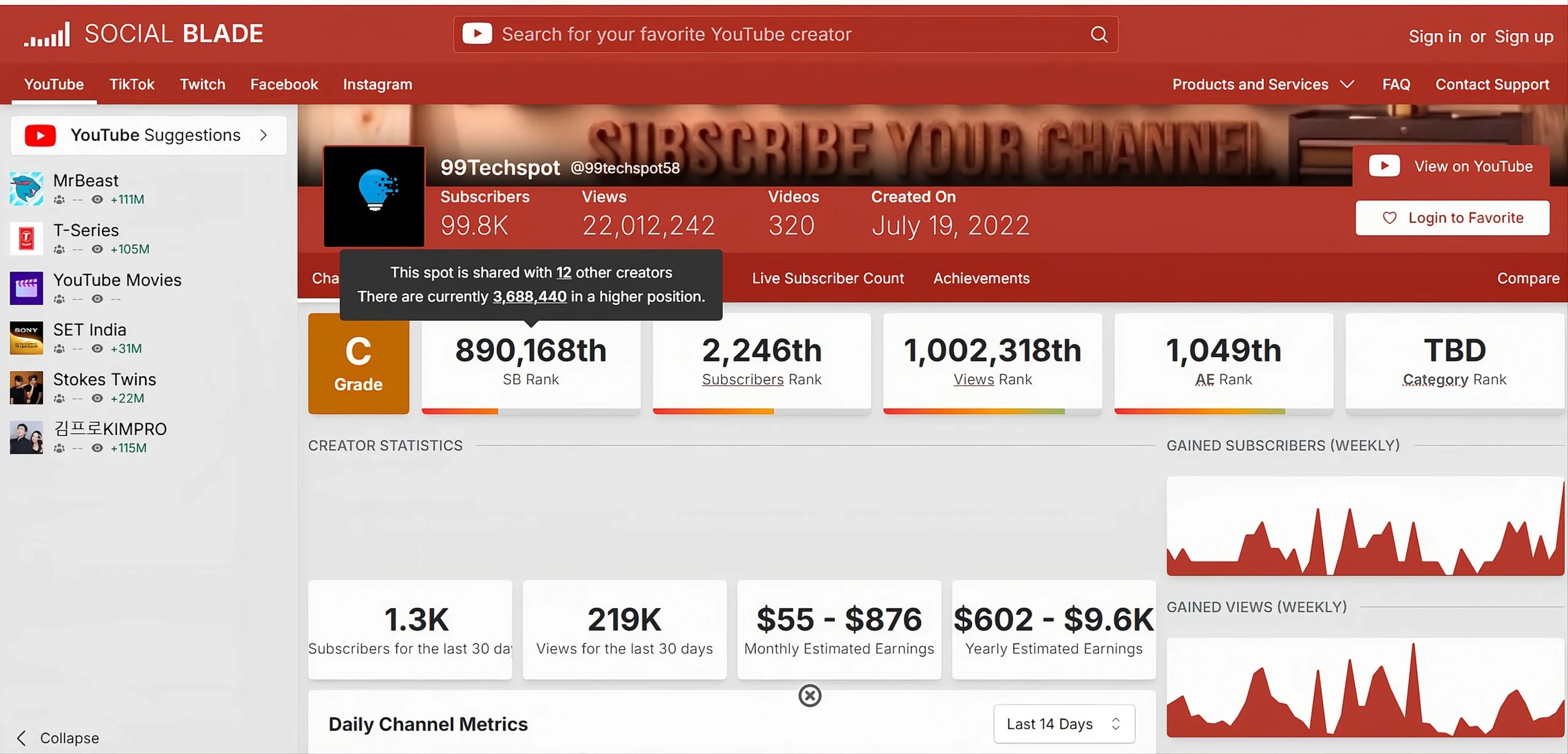
I used Social Blade to find the fastest-growing AI channels. I sorted their videos by “Most Popular.”
Why I Did It
If a video has millions of views, it means the audience loves that topic. I wanted to learn how to make money with ChatGPT by following proven patterns.
How Someone Else Can Do It
- Find 5 top channels in your niche.
- Look at their thumbnails and titles.
- Read the comments to see what the viewers want more of.
Common Mistakes
- Copying the competitor exactly. (YouTube hates reused content!)
- Ignoring small AI automated channels that are growing fast.
Pro Tip
Look for “gaps.” If a competitor missed a detail, make a whole video about that detail.
Pro Prompt for Competitor Analysis
“Analyze these three video titles: [Insert Titles]. What is the emotional hook in each? Suggest 5 better titles for my journey on how I created a faceless AI YouTube channel from scratch.”
Step 3 – Creating the YouTube Channel
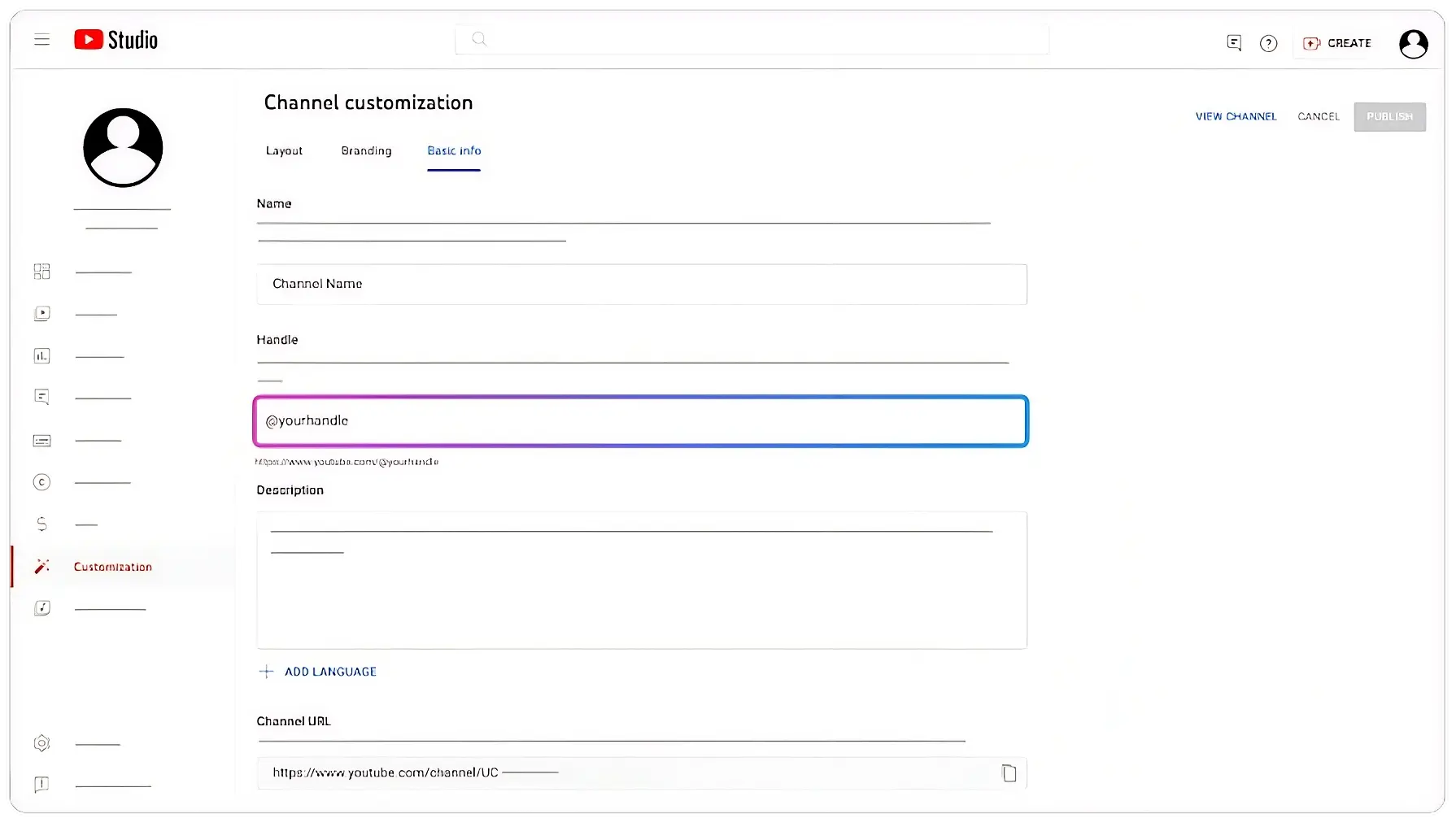
This was the moment I made it official. I didn’t use my personal account. I wanted a clean, professional brand account.
Setting this up correctly is the first step if you want to become a millionaire using AI.
What I Did
I created a new Gmail and a YouTube Brand Account. I named it “CyberPulse AI.” It felt futuristic and catchy.
Why I Did It
Brand accounts are safer. You can add team members later without sharing your main password.
How Someone Else Can Do It
- Go to YouTube Settings.
- Click on “Create a new channel.”
- Choose “Brand Account.”
- Verify your phone number to unlock custom thumbnails.
Common Mistakes
- Using a personal account instead of a brand account.
- Forgetting to add keywords in the “About” section.
Pro Tip
Your channel name should be easy and searchable.
Pro Prompt for Channel Setup
Write a 150-word YouTube ‘About’ section for a channel focused on AI technology. Use keywords like ‘Future Tech’, ‘AI Tools’, and ‘Automation’. Make it sound professional and inviting.”
I wanted my Faceless channel to look like a high-end media company. Most beginners skip this part, but I knew quality branding was the only way to build long-term trust.
Step 4 – Designing Logo and Banner
I didn’t hire a designer. I used AI to create a visual identity that felt premium and futuristic.
This is where knowing about free AI tools saved me a lot of money during my startup phase.
What I Did
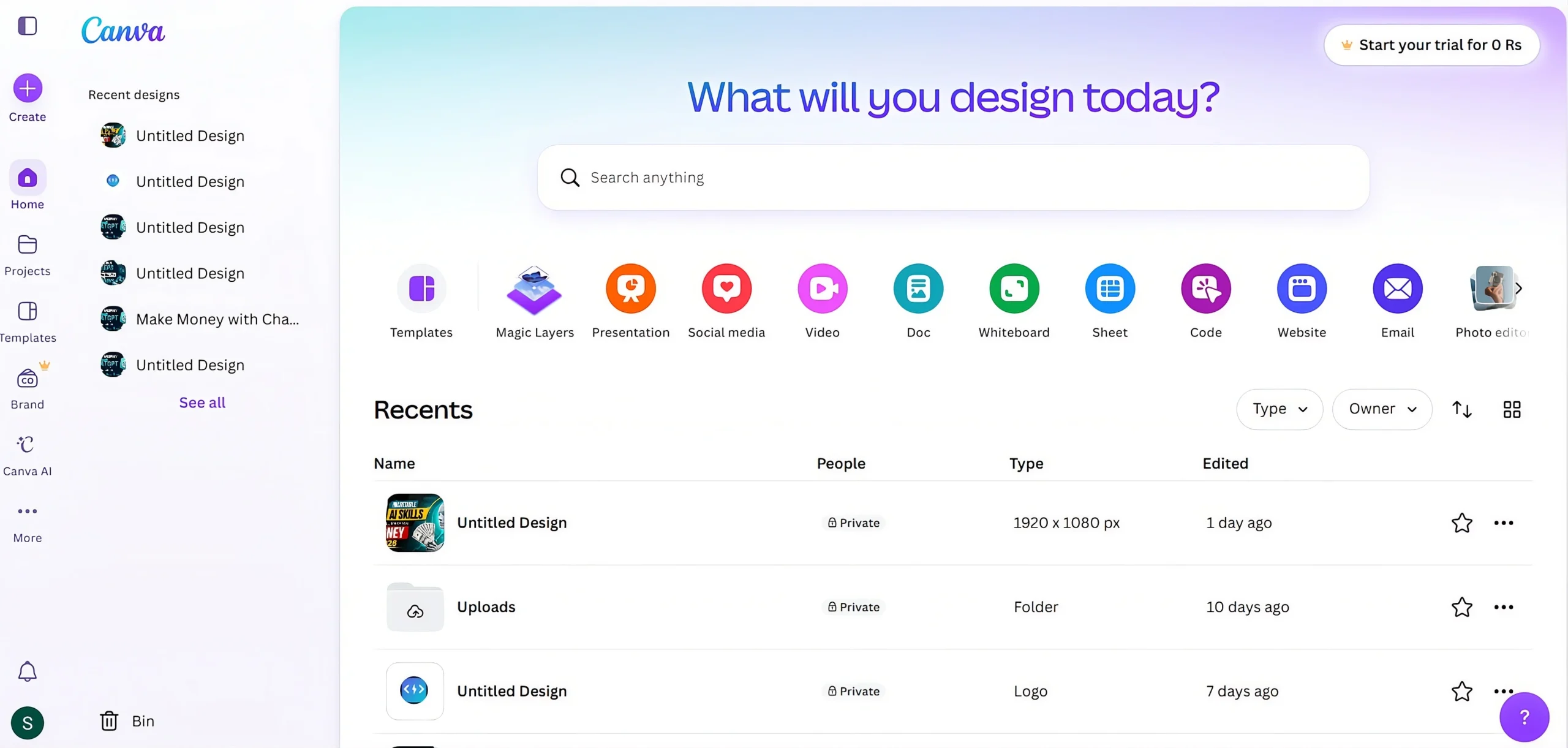
I used Leonardo.ai to generate a sleek, minimalist logo. Then I went to Canva to design my banner.
Why I Did It
A professional look separates you from the “spam” channels. It makes people to hit the “Subscribe” button.
How Someone Else Can Do It
- Use an AI art generator for your icon.
- Search Canva for “YouTube Banner” templates.
- Use a consistent color palette (e.g., Black and Neon Blue).
Common Mistakes
- Using too many colors that don’t match.
- Putting important text at the edges of the banner where it gets cut off on mobile.
Pro Prompt for Logo Generation
“A minimalist high-tech vector logo icon, a glowing circuit brain, flat design, white background, midnight blue and cyan colors, 8k resolution, professional style.”
Step 5 – Writing Scripts with AI
The script is the most important part of your video. If the story is bad, the viewer will leave in 5 seconds. Your hook should be powerful and engaging.
I learned that mastering this is one of the most effective ways to make money with ChatGPT.
What I Did
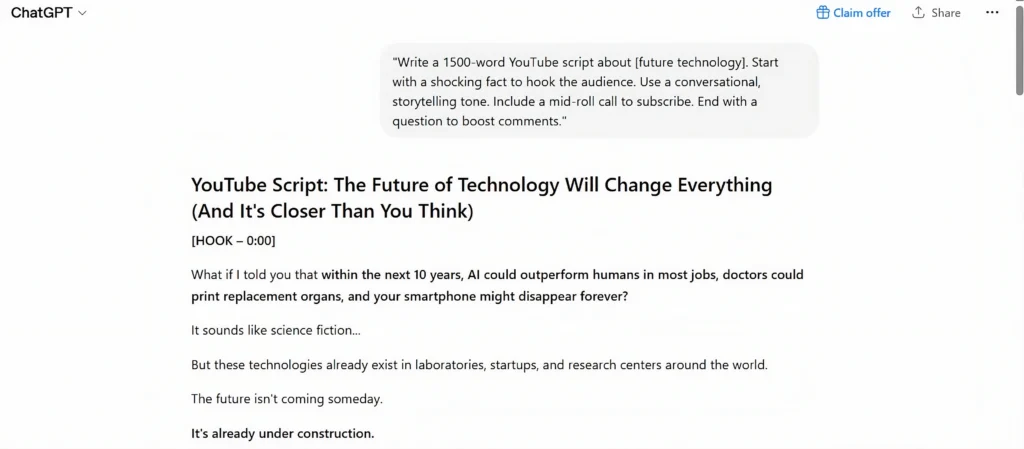
I used ChatGPT to create a high-retention YouTube video script. I didn’t just ask for an article; I asked for a “YouTube Story” with a hook and a climax.
Why I Did It
People watch YouTube videos for entertainment and information. AI can provide both if you give it the right structure.
How Someone Else Can Do It
- Define your topic clearly.
- Ask for a 30-second “curiosity hook.”
- Break the script into “the problem,” “the solution,” and “the future.”
Common Mistakes
- Letting the AI talk too much without getting to the point.
- Not adding a “Call to Action” halfway through the video.
Pro Prompt for Viral Scripts
“Write a 1500-word YouTube script about [Topic]. Start with a shocking fact to hook the audience. Use a conversational, storytelling tone. Include a mid-roll call to subscribe. End with a question to boost comments.”
Step 6 – Creating AI Voiceovers
I didn’t want a robotic “Siri” voice. I wanted a voice that felt warm, authoritative, and human.
Mastering audio quality is one of the AI skills that will make you money because it increases your “Watch Time.”
What I Did
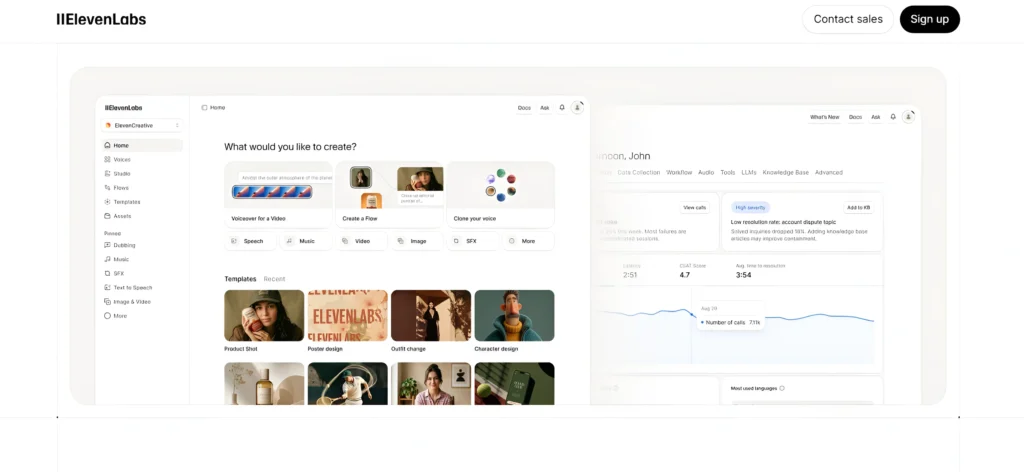
I used ElevenLabs. It is the gold standard for AI voices. I chose a “deep male” voice with high clarity.
Why I Did It
If the audio is vulgar, people will close the video immediately. Good audio builds authority.
How Someone Else Can Do It
- Paste your script into ElevenLabs.
- Adjust the “Stability” and “Clarity” settings.
- Download the file in high-quality MP3 format.
Common Mistakes
- Using the default voice without any adjustments.
- Not listening to the final file for pronunciation errors.
Pro Tip
Add small pauses in your text (using commas or periods) to make the AI voice sound more natural.
Step 7 – Finding Visuals and B-roll
A faceless channel relies heavily on what is happening on the screen. If the screen is boring, people will close the video.
I needed “B-roll” (extra footage) to keep the eyes engaged while the voiceover explained the topic.
What I Did
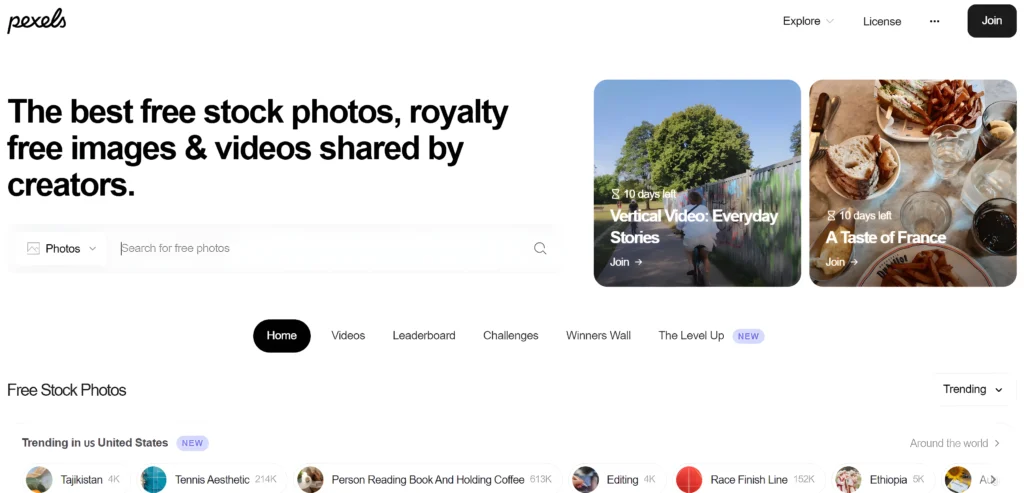
I used sites like Pexels and Pixabay to find high-quality stock videos.
For very specific scenes that didn’t exist in stock libraries, I used Leonardo.ai to generate cinematic AI images.
Why I Did It
The human brain processes visuals much faster than audio. Constant movement keeps the audience watching longer.
This is part of the AI skills that will make you money—knowing how to package information visually.
How Someone Else Can Do It
- Identify the keywords in your script (e.g., “Future City,” “Technology”).
- Search for these terms on free stock sites.
- Download 10-15 clips for every 1 minute of video to keep the pace fast.
Common Mistakes
- Using low-resolution or blurry clips.
- Using footage that has a watermark.
Pro Tip
Use AI-generated images when you can’t find a video. A stunning AI image is better than a boring, irrelevant video clip.
Pro Prompt for AI Visuals
“Cinematic wide shot, futuristic laboratory with holograms, blue and white lighting, hyper-realistic, 8k resolution, shot on a 35mm lens.”
Step 8 – Editing Videos
Editing is where your audio and visuals come together to create a “story.” You don’t need a heavy computer for this.
What I Did
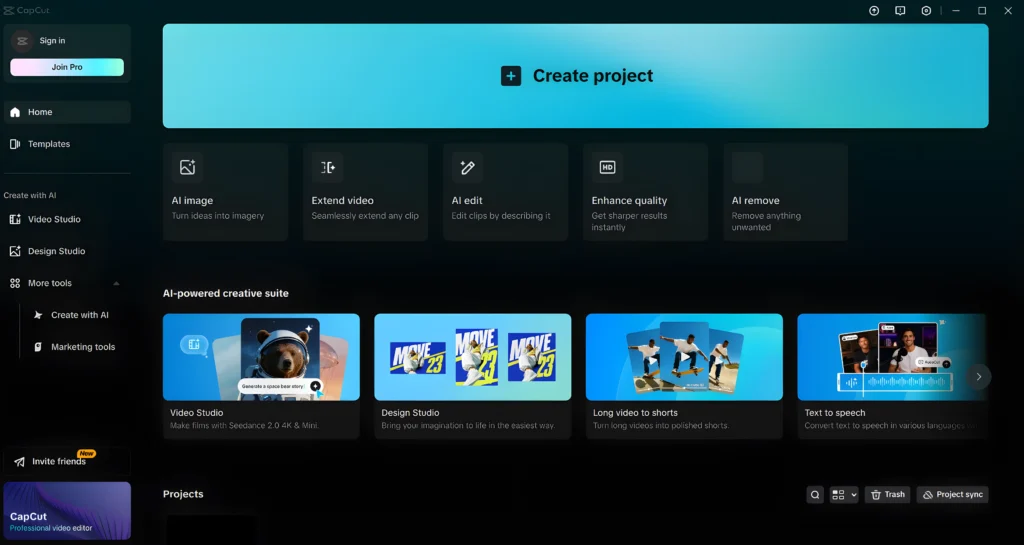
I used CapCut . It’s free, easy to use, and has incredible AI features like “Auto Captions.”
Why I Did It
I wanted my video to feel fast-paced. I made sure every clip was only 3 to 5 seconds long. This keeps the viewer’s brain “restarting” and paying attention.
How Someone Else Can Do It
- Import your voiceover first.
- Drag and drop your clips on top of the audio.
- Use the “Auto Caption” tool to add text to the screen.
- Add a low-volume background music track from the YouTube Audio Library.
Common Mistakes
- Making the background music louder than the voice.
- Leaving long pauses of silence in the video.
Pro Tip
Use “Transitions” between clips, but keep them simple (like a basic “Fade” or “Dissolve”).
Step 9 – Creating Thumbnails
The thumbnail is the “door” to your video. If people don’t click, they won’t see your hard work.
I learned that a good thumbnail is the secret to making this a source of automated passive income with AI.
What I Did
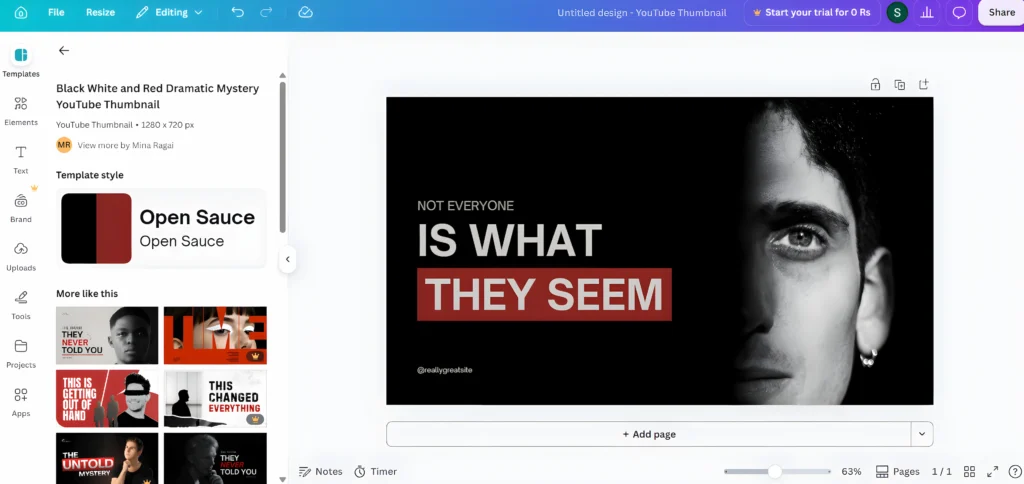
I used Canva. I used a high-contrast background and placed a large, shocking object in the center. I kept my text limited to just 3 words.
Why I Did It
On a mobile screen, small text is impossible to read. I wanted my thumbnail to pop out even if someone was scrolling fast.
How Someone Else Can Do It
- Find a bright background image.
- Add a high-quality AI-generated icon.
- Use a bold font like “Anton” or “League Spartan.”
- Use bright colors like Yellow or Green for the text.
Common Mistakes
- Putting too much text on the thumbnail.
- Using dark colors that blend into the YouTube dark mode.
Pro Prompt for Thumbnail Ideas
“Give me 3 viral thumbnail text ideas for a video about AI. The text must be under 3 words and create intense curiosity.”
Step 10 – Uploading the Video
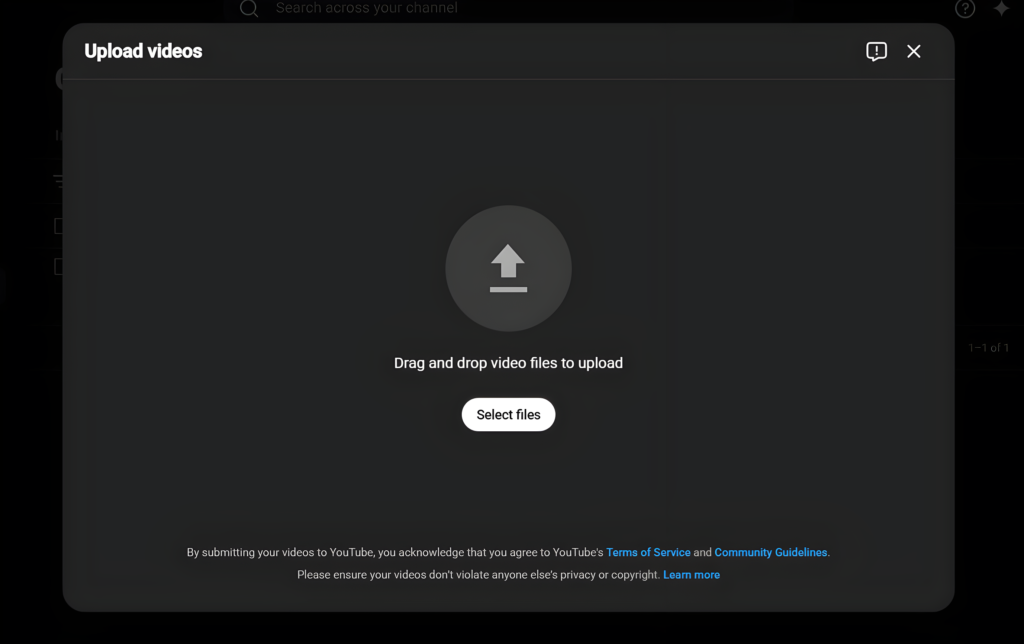
Uploading isn’t just about clicking a button. It’s about “Technical SEO.” This tells the YouTube algorithm who should see your video.
What I Did
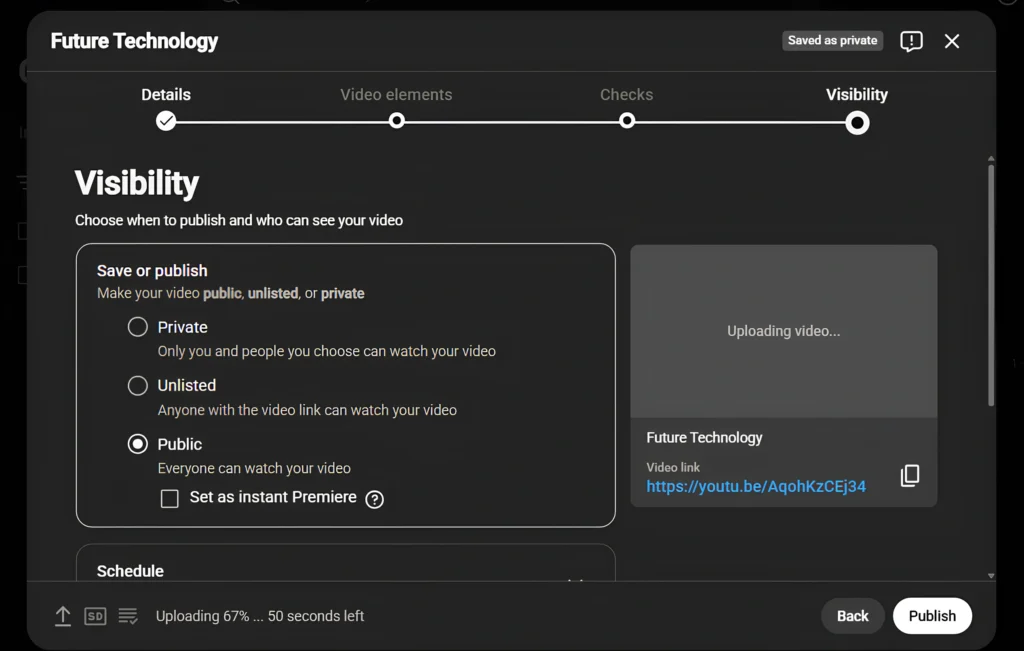
I uploaded my video as “Unlisted” first. This allowed YouTube to check for copyright and process the video in 4K before I made it public.
Why I Did It
If you publish immediately, your first viewers might see a low-quality version. Waiting ensures everyone sees the best quality.
How Someone Else Can Do It
- Upload your video via YouTube Studio.
- While it processes, fill in your tags and category.
- Add an “End Screen” to promote your other videos.
Common Mistakes
- Leaving the “Tags” section empty.
- Not adding the video to a relevant playlist.
Pro Tip
Always add “Subtitles” (CC) to your video. It helps the algorithm understand your content better.
Step 11 – Writing SEO Title and Description
To get views while I slept, I needed my video to show up in search results.
This is very similar to how I make money with ChatGPT by optimizing blog posts.
What I Did
I used a primary keyword in the first half of my title. In the description, I wrote a 200-word summary using related keywords.
Why I Did It
Search traffic is more stable than browse traffic. If people search for “How I Created a Faceless AI YouTube Channel from Scratch,” I want to be the first thing they see.
How Someone Else Can Do It
- Use ChatGPT to find 10 related keywords for your niche.
- Put the most important keyword in the title.
- Use the other keywords naturally in the first two paragraphs of the description.
Common Mistakes
- Using “Clickbait” titles that have nothing to do with the video.
- Writing a description that is just a list of tags (YouTube can ban you for this).
Pro Prompt for SEO Metadata
“Act as a YouTube SEO Expert. Write a viral title and a 200-word SEO-friendly description for my video about [Topic]. Include the following keywords naturally: [Keywords].”
Step 12 – Publishing the First Video
The moment of truth. I hit the “Public” button.
What I Did
I published at 6 PM (EST) because that is when my target audience in the USA is most active. I also shared the link on my social media profiles.
Why I Did It
The first 24 hours determine if the algorithm will “push” your video to a wider audience. I wanted as much initial engagement as possible.
How Someone Else Can Do It
- Check your “Research” tab in YouTube Analytics to see when your audience is online.
- If you don’t have data yet, 10 AM or 6 PM EST are generally good times.
Step 13 – Checking YouTube Analytics
One week later, I checked my stats. It was eye-opening.
What I Did
I looked at the “Retention Graph.” I saw exactly where people stopped watching. I also checked my “Impressions Click-Through Rate.”
Why I Did It
Data is the only way to improve. If people left at the 2-minute mark, I knew I had to make my next video’s middle section more exciting. This is a core part of AI skills that will make you money.
1. What Worked Actually
Several things went better than expected:
- The AI Voice: Using ElevenLabs made the video sound professional and trustworthy.
- The Hook: Starting with a question kept my retention above 50% for the first minute.
- Keywords: I started getting “Suggested Video” traffic within the first 48 hours.
2. What Didn’t Work
I also made some mistakes:
- The Banner: My first banner was too busy and didn’t look good on mobile.
- The Outro: I talked for too long at the end, and people left without clicking the next video.
3. Lessons I Learned
My journey taught me that automated passive income with AI is possible, but it requires consistency.
- Don’t chase perfection; chase “good enough” and keep uploading.
- AI is a tool, but the “Story” must be human.
- YouTube is a long game. One video won’t make you rich, but 100 might.
If you are serious about wealth, you should also look into passive income with AI ebooks to diversify your income.
In End:
Creating this channel was one of the best decisions I’ve made. It proved that you don’t need a face or a big budget to build a brand.
If you want to become a millionaire using AI, you have to start somewhere. YouTube is free, AI is powerful, and the opportunity is huge.
Don’t wait for the “right time.” Start today, learn from the data, and use these free AI tools to build your future.
Frequently Asked Questions (FAQs)
Q1: Can AI channels really get monetized?
Answer: Yes. As long as your content is original and provides value, YouTube will monetize your channel. Avoid low-quality, repetitive content.
Q2: How much did it cost to start?
Answer: I used mostly free AI tools. The only thing I paid for was a subscription to ElevenLabs for the premium voiceovers.
Q3: How many videos should I upload per week?
Answer: Consistency is key. Start with 1 high-quality video per week. Once you master the tools, you can move to 2 or 3.
Q4: Can I do this in my local language?
Answer: Yes, but English-speaking audiences (USA, UK, Canada) usually have a higher CPM, which means you earn more money per view.
Q5: What if I don’t know how to use ChatGPT?
Answer: It’s easy! Just follow our guide on how to make money with ChatGPT to learn the best prompting secrets.

You May Also Like