I started looking into ElevenLabs because I wanted to find an online earning method that did not depend completely on finding clients every day. Most online work follows the same pattern: find a client, do the work, send the result, and then look for the next client. I wanted to understand if there was a way to create something once and let other people use it over time.
That is when I found ElevenLabs Voice Actor Payouts. The idea is pretty simple. You can create a Professional Voice Clone of your own voice, share it in the ElevenLabs Voice Library, and earn rewards when eligible paid users use that voice to generate audio. ElevenLabs handles the usage tracking and payout process, so you are not personally dealing with every person who uses your voice.
But there is an important difference between simply cloning your voice and actually making it available for payouts. You need a Professional Voice Clone, your voice has to pass verification and review, and you need to follow ElevenLabs’ rules for sharing and payments. So, in this guide, I am going to explain the complete process from recording your voice to setting up payouts.
What Is the ElevenLabs Voice Library?
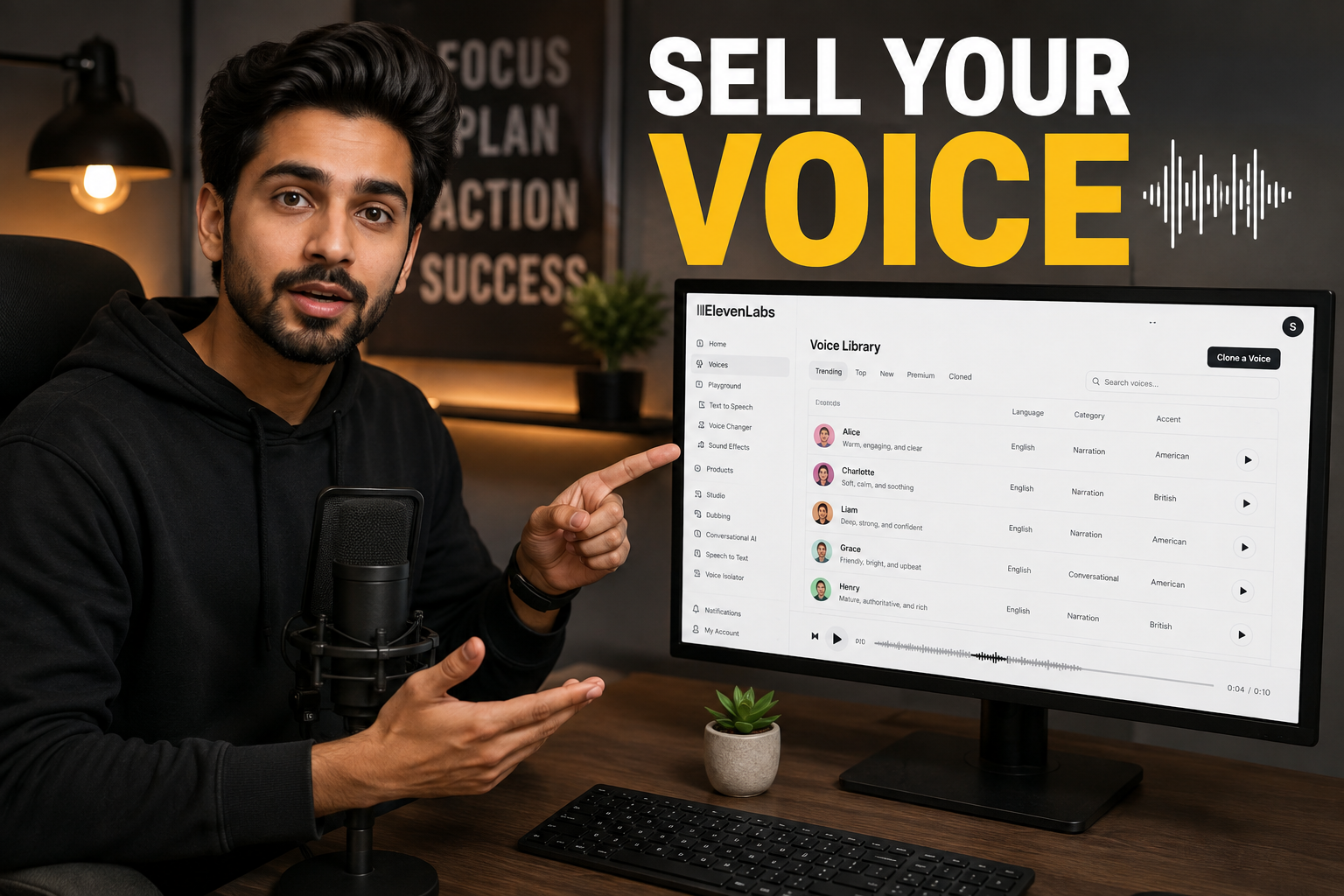
The ElevenLabs Voice Library is basically a marketplace where people can discover AI voices for their projects. Users can search for voices, listen to samples, and choose a voice that fits the type of audio they want to create. ElevenLabs says the library contains more than 10,000 community-shared voices, with filters for things such as language, accent, age and category.
For voice owners, the important part is that the Voice Library can also become an earning platform. When you share an eligible Professional Voice Clone publicly in the library, other users can discover and use it. If qualifying paid ElevenLabs users generate audio with your voice, you can receive cash rewards based on that usage. Free-user usage does not count toward Voice Actor Payouts.
This is why you should not think of the Voice Library as just a profile page for your voice. Your voice needs to be useful enough that people actually want to select it. A clear voice, good recording quality, a useful description and a natural preview can all make a difference when someone is deciding which voice to use.
What You Need Before Creating Your Voice
The first requirement is an ElevenLabs account with access to Professional Voice Cloning. According to the current documentation, Professional Voice Cloning requires the Creator plan or above. Free and Starter accounts do not have Professional Voice Clone slots, while Creator and Pro currently include one base PVC slot. Higher plans can include more slots.
There is also an important difference between creating the clone and receiving payouts. ElevenLabs’ payout documentation says you need an active paid subscription of Starter or above to receive payments, but the actual Professional Voice Clone and public voice-sharing features require Creator or above. So if your goal is to create and publish your own voice for Voice Actor Payouts, Creator or a higher eligible plan is the practical starting point.
You also need to be using your own voice. ElevenLabs does not allow you to create a Professional Voice Clone of another person, even if that person has given you permission. The platform uses a verification process to confirm that the voice belongs to the person creating the clone.
Record the Audio for Your Professional Voice Clone
This is where the quality of your final AI voice really starts. A Professional Voice Clone learns from the recordings you provide, so poor recordings can lead to a poor clone. ElevenLabs specifically warns that background noise, room echo, music, unwanted sounds and other voices can become part of what the system learns. In simple words, if your recording sounds bad, the AI can learn those problems too.
For the best results, record in a quiet room where there is as little background sound as possible. Keep your microphone position and speaking volume fairly consistent. Do not record some samples in a quiet bedroom and other samples beside traffic or a loud fan. You should also keep your speaking style consistent because ElevenLabs says the style in your training data can be reflected in the generated voice.
ElevenLabs currently recommends at least one hour of training audio and says that getting close to three hours can give better results. Its documentation also lists 30–180 minutes as the recommended range for Professional Voice Cloning, with 30 minutes being the bare minimum recommendation. The key point is that more useful, clean speech is better than simply uploading a large amount of poor audio.
Your recordings should contain spoken voice only. Professional Voice Cloning does not currently support singing as training material. ElevenLabs also recommends MP3 at 192 kbps or higher and says that using a huge uncompressed file such as WAV does not automatically make the clone better. Recording quality matters more than simply choosing a larger file format.
Create Your Professional Voice Clone
Once you have your recordings ready, open the ElevenLabs dashboard and go to the Voices section. Select Create Voice, then choose Professional Voice Clone. From there, you can upload your prepared audio samples or record audio through the interface. ElevenLabs also provides sample scripts for different speaking styles, although you can use your own suitable script as well.
After uploading the recordings, ElevenLabs gives feedback about the amount of audio you have provided. You can also process the audio to remove some background noise or separate speakers if needed, but it is much better to start with clean recordings instead of depending on editing to fix serious recording problems. The cleaner your original material is, the easier it is to get a natural result.
You will then have to complete the voice verification step. ElevenLabs uses a Voice Captcha where you read a short piece of text within a specific time. This is used to confirm that the voice being cloned is actually yours. After verification, the voice enters the training process. ElevenLabs says the training normally takes a few hours, although the exact time can vary.
When the clone is ready, do not immediately publish it. First, generate some test audio and listen carefully. Try normal sentences, longer sentences and different words. If you notice strange pronunciation, unnatural pauses or an obvious recording problem, it is better to fix the source material than to publish a weak voice and hope people will use it.
Publish Your Voice to the Voice Library
Once you are happy with your Professional Voice Clone, go to My Voices and find the clone. ElevenLabs currently provides a Publish to Library option for eligible Professional Voice Clones. You can open the sharing settings and prepare the information that other users will see when they discover your voice.
This is where you should take some time with your voice name, description and preview. Your description should tell people what the voice actually sounds like and what it may be useful for. For example, you could describe a voice as calm, friendly and suitable for educational narration if that is genuinely how it sounds. Do not try to make the description sound impressive by claiming things that the voice cannot do.
The preview is especially important because users need to hear the voice before choosing it. ElevenLabs allows you to create a custom preview from generated speech between 70 and 150 characters. Choose a short piece of text that shows the natural sound of your voice rather than using something that is difficult to pronounce or filled with unusual words.
Your voice then goes through a review before it becomes visible to the wider Voice Library. ElevenLabs says the review checks the authenticity and quality of shared voices. This means publishing is not simply a case of uploading a file and instantly appearing in the marketplace.
Choose Your Notice Period Carefully
When publishing your voice, you can choose a notice period. This controls how long the voice remains available to users who already have access to it after you decide to withdraw the voice.
The current ElevenLabs documentation says the available notice period can range from immediate removal to two years. The choice also affects your default payout rate, so a longer commitment can provide a different earning rate than a shorter one.
This is something you should read carefully before accepting it. If you choose a long notice period, you are giving existing users more time to continue using the voice even after you decide to stop sharing it. That can be useful if you are comfortable keeping the voice available for a longer period, but it is not something you should choose without understanding the commitment.
ElevenLabs also provides Live Moderation, which can give you additional control over the types of content for which your voice can be used. If you are concerned about certain types of content, check these settings before publishing rather than ignoring them and dealing with the issue later.
Avoid These Problems Before You Submit
The biggest problem is poor audio quality. If your room has a lot of echo, your microphone picks up background noise, or several people are speaking in the recordings, the clone may not sound clean. ElevenLabs specifically says that unwanted sounds can be learned by the model, which is why recording conditions matter so much.
Another problem is mixing different speaking styles. If half of your training material is calm narration and the other half is loud, fast speech, the resulting voice may not have the consistent style you expected. ElevenLabs recommends keeping the delivery style consistent with the way you want the final clone to sound.
You should also avoid using audio that you do not have the right to use. Most importantly, do not take somebody else’s voice from a video, podcast, social media post or any other source and try to turn it into your own Professional Voice Clone. ElevenLabs only allows you to create a Professional Voice Clone of your own voice, and the verification process is designed to enforce that rule.
How the Voice Actor Payout Actually Works
This is the part where many online explanations become misleading. ElevenLabs does not simply pay you for uploading your voice. Your earnings are connected to qualifying usage by paid ElevenLabs users. If nobody uses your voice, you should not expect a fixed monthly payment just because the voice is listed in the library.
When paid users generate audio with your shared Professional Voice Clone, ElevenLabs calculates the reward according to its payout system and the sharing options you selected. Free-user usage is excluded. You can also check your usage and earnings through the metrics section for your shared voice, which lets you see whether people are actually using it.
This makes the earning potential different for every voice. A voice that gets very little attention may earn very little, while a voice that becomes popular with paid users can receive much more usage. There is no honest way to promise that one voice will make a specific amount every month because the result depends on real user demand.
The best approach is therefore to focus on making a voice that people have a reason to choose. A clear natural sound, useful language or accent, good preview and accurate description can make your listing more useful than simply uploading a voice and forgetting about it.
How You Receive the Money
ElevenLabs uses Stripe Connect to handle Voice Actor Payouts. To set it up, open your ElevenLabs profile, select Payouts, and follow the Stripe Connect setup process. Your Stripe account needs to be configured before you can receive financial rewards.
ElevenLabs says payouts are processed automatically about every 6–8 days once your earnings are above the minimum threshold. In most cases, the threshold is $10, although some countries can have different requirements because of local rules or payment-provider limits. You also need an active paid subscription of Starter or above to receive payouts.
The important thing here is that Stripe availability depends on your country. Before paying for an ElevenLabs plan specifically to earn Voice Actor Payouts, check whether the payout setup is actually available where you live. Do not use someone else’s identity or payment details to get around country or account restrictions. The payout account should belong to you and meet the applicable requirements.
Once everything is properly configured, the basic system is straightforward: qualifying usage generates rewards, the rewards accumulate, and once the required threshold is reached, ElevenLabs processes the payout through Stripe.
Can You Really Make Money With Your Voice?
Yes, people can earn from the Voice Library, but it is important to understand what kind of income this is. It is usage-based income, not a guaranteed salary. ElevenLabs itself describes the system as a way for voice actors to earn cash rewards when their shared voice is used by paid subscribers.
- That means your main goal should not be uploading a voice as quickly as possible. Your goal should be creating a voice that someone actually wants to use. Think about the type of audio your voice naturally fits: narration, educational videos, business content, storytelling or another clear use case. Then make your recording, description and preview match that strength.
It is also worth remembering that ElevenLabs has a large Voice Library. You are not competing against an empty marketplace. A new voice needs to give users a reason to choose it. That is why clean audio, consistent delivery and a useful preview are much more important than trying to use complicated marketing language in your listing.
Frequently Asked Questions
Do I need a Professional Voice Clone to earn from the Voice Library?
Yes. The current Voice Library rules require a Professional Voice Clone for public sharing and Voice Actor Payouts. Instant Voice Clones and voices created through Voice Design cannot be published to the Voice Library for this purpose.
How much audio should I record?
The current ElevenLabs guidance recommends at least one hour for the best results and says that getting close to three hours can provide a stronger clone. Its file guidance lists 30–180 minutes for Professional Voice Cloning, with 30 minutes being the bare minimum recommendation. Clean and consistent recordings are more important than simply adding hours of poor audio.
Does every person who uses my voice generate money for me?
No. Voice Actor Payouts are based on qualifying usage from paid ElevenLabs users. Usage by free users is excluded from the payout calculation. This is why your earnings can change from one period to another instead of staying at a fixed amount.
How often does ElevenLabs pay?
The current documentation says payouts are processed automatically about every 6–8 days once your earnings are above the minimum threshold. The usual threshold is $10, although it can be higher in some countries. Payments are handled through Stripe Connect.
Before Closing This Tab
If you are looking at ElevenLabs as an online earning option, I would not start by thinking about how quickly you can upload a voice. Start by thinking about the quality of the voice you are offering.
Your real voice is the main asset here. Record it properly, keep the environment quiet, use a consistent speaking style and give ElevenLabs enough good material to work with. Then test the Professional Voice Clone before making it public. A few extra hours spent getting the source recordings right can be much more useful than rushing through the setup.
And most importantly, keep your expectations realistic. The Voice Library does not guarantee a monthly income. You earn when eligible paid users actually use your voice, so the real goal is to create something people want to come back to.
If your voice sounds natural, your listing clearly explains what it is good for, and you follow ElevenLabs’ current rules, you have a much better starting point than someone who simply uploads a random recording and waits for money to appear.
More Ways To Make Money Online:
• Create a Faceless YouTube Channel
You can explore more earning ideas and AI tools.

You May Also Like